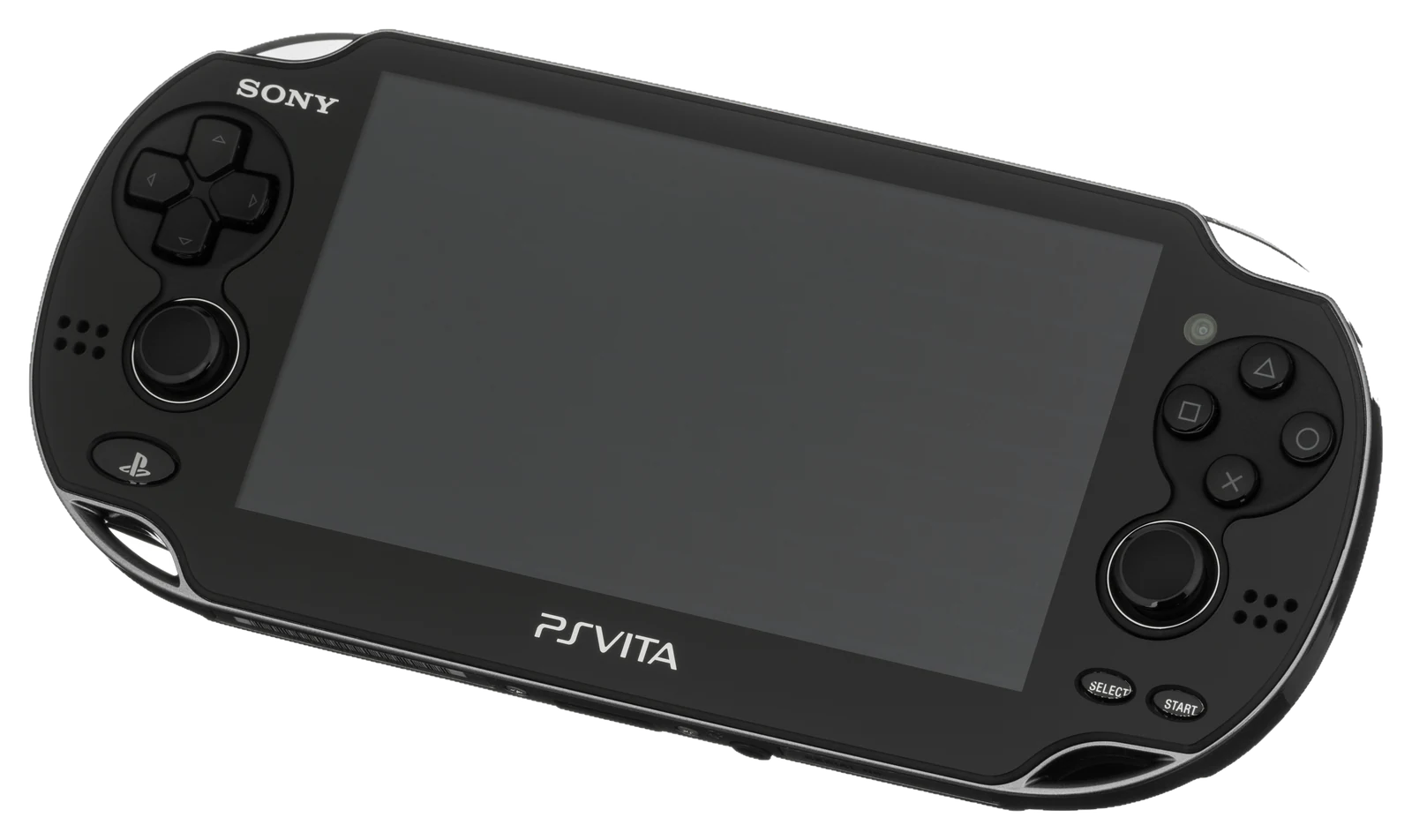
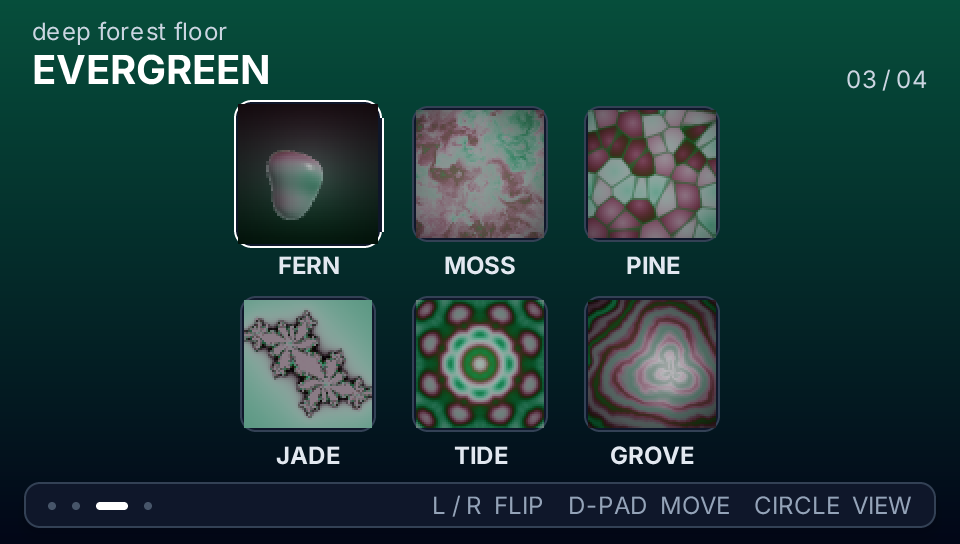
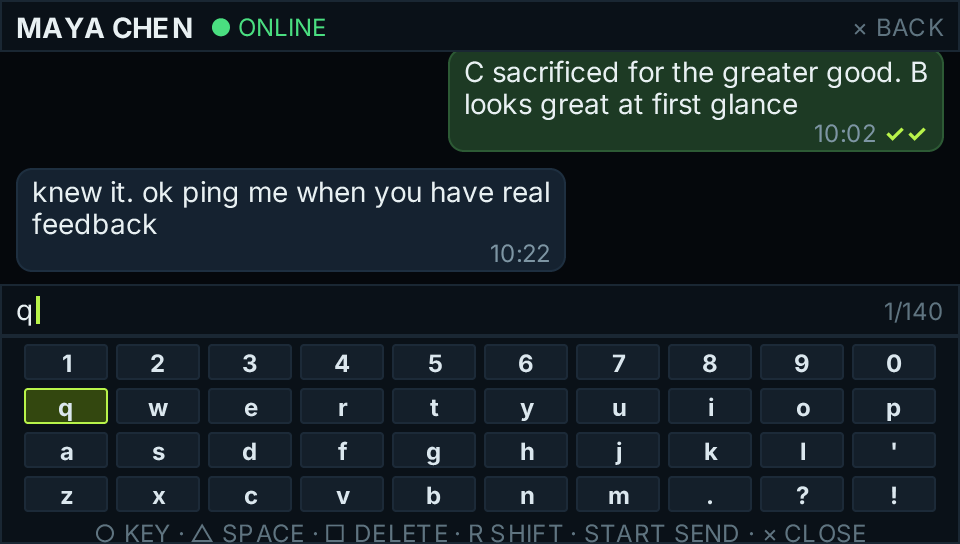
pocketjs-vita is the native PS Vita host for PocketJS. It embeds QuickJS, feeds the normal PocketJS pak, renders the standard DrawList with vita2d/GXM, and reads the physical Vita controller. Applications do not need a Vita-specific entry point, but their JS/pak pair is recompiled from the resolved Vita plan so density and host-contract constants are target-correct.
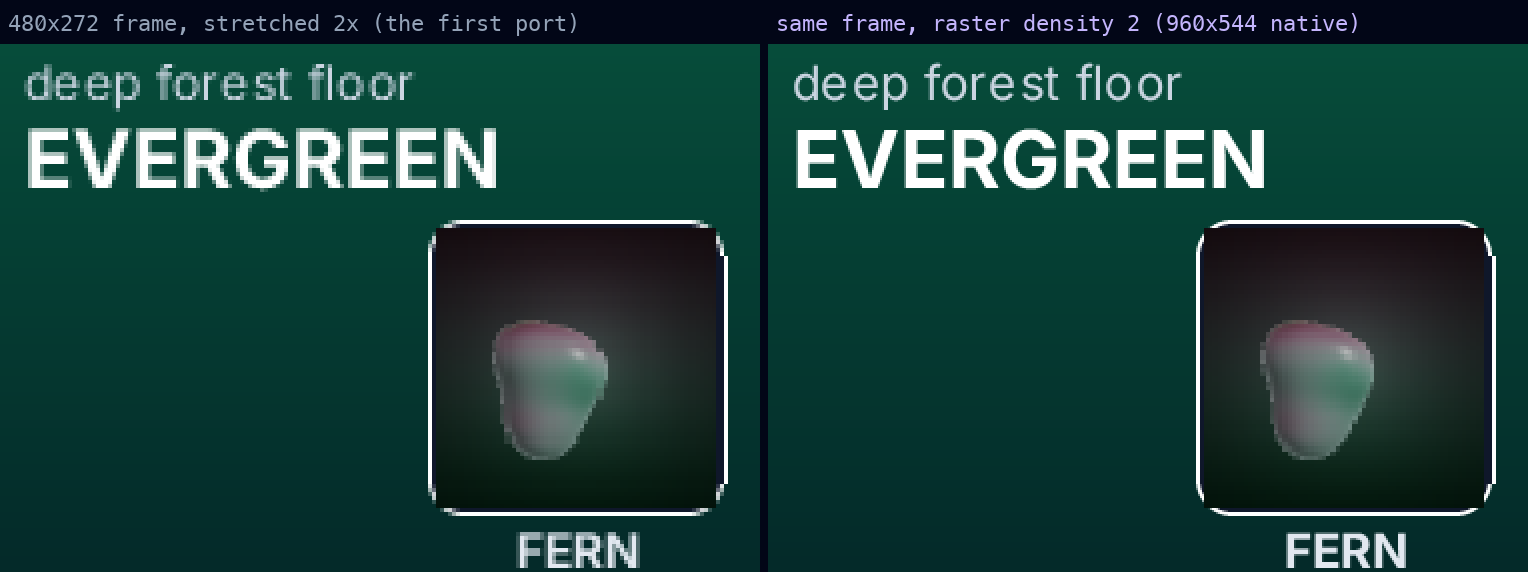
The PocketJS logical viewport remains 480x272, so PSP applications keep the same layout. The resolved Vita profile separately sets a 960x544 physical viewport and raster density 2: geometry is sampled at physical resolution, font coverage/SVG/core masks are baked at 2x, and @2x image or raw-pak siblings are selected when present. There is no letterboxing or aspect-ratio crop. Native Rust hosts can read the d-pad, face buttons, shoulders, and both analog sticks through input::read. The stock PocketJS frame ABI deliberately forwards buttons, the left stick, and front-panel contacts through Runtime::frame_with_input; the public capability is input.analog.left. The front panel is sampled once per frame and exposed to applications as stable contact ids in 480x272 logical coordinates through touches() from @pocketjs/framework/input.
Toolchain
The supported local setup is:
- VitaSDK in
$VITASDK(this workstation uses~/vitasdk) cargo-vita0.2.2- Rust nightly
2026-05-28withrust-src - Vita3K for emulator E2E
tools/vita.ts prepends VitaSDK and the rustup shims to PATH, so a Homebrew stable Rust installation cannot accidentally take over a Vita build. The pinned toolchain is also recorded in rust-toolchain.toml.
export VITASDK="$HOME/vitasdk"
export PATH="$VITASDK/bin:$HOME/.cargo/bin:$PATH"

bun play vita hero
# builds, installs the hero's stable title id, and launches Vita3K
bun play vita gallery --fullscreen
# also enters host fullscreen and stretches the Vita display to fill it
bun play --help
# lists every demo accepted by the command

# Low-level build only:
bun run vita hero --release
# dist/vita/hero-main.vpk

# Cover Flow launcher + every Vita-admitted Pocket app in one VPK:
bun run launcher:vita --release
# dist/vita/launcher-main.vpk
bun play vita <demo> owns the interactive loop: it builds the selected demo, validates and installs the VPK, safely restarts an existing Vita3K instance, then checks that the new emulator process survives startup. In Vita3K, use the arrow keys for the d-pad, Q/E for L/R, C for Circle, X for Cross, V for Triangle, Z for Square, WASD/IJKL for the two sticks, and F11 to toggle fullscreen.
The VPK uses vita2d's precompiled shaders and does not require libshacccg.suprx. Vita3K's normal interactive setup should still install the official PS Vita firmware; the isolated homebrew E2E deliberately runs HLE modules only so it cannot mutate a developer's normal VitaFS.
Install on a PS Vita
Build the release VPK with the command above, then install it directly with VitaShell; Vita Toolbox is not required:
- Open VitaShell and press
SELECTto start its configured USB or FTP connection. - Copy the named artifact, such as
dist/vita/hero-main.vpk, to a writable location such asux0:/data/hero-main.vpk. - Stop the transfer, select the VPK in VitaShell, press
X, and confirm the install prompt. - Return to LiveArea and launch the demo's named bubble.
Each manifest's stable reverse-DNS id is encoded by the Vita backend as P plus the first eight uppercase hexadecimal digits of its SHA-256 digest. This produces a valid nine-character Vita title id without a per-demo table, so Hero, Gallery, and other demos coexist instead of replacing one another. Keep the manifest id unchanged across releases to preserve installation identity. Every VPK also includes PocketJS's black 128x128 bubble icon and complete LiveArea artwork (840x500 background, 280x158 startup image, and template), so a new app never installs as a blank white bubble or generic launch gate. Custom hosts call packageVitaVpk() from @pocketjs/framework/vita-package: framework defaults are resolved first and application artwork overlays them. The VPK is self-contained; no separate app pak, artwork, or shader file is needed.
Reusable Rust hosts that replace one Pocket guest with another must consume the old runtime with Runtime::shutdown(self) after presenting a closed scene. That boundary releases QuickJS, waits for GXM, retires the guest's texture/font handles, drops its Ui, and uninstalls its pak. Plain Drop only releases QuickJS so it remains safe inside a host-owned open scene; it does not authorize constructing a second guest.
Golden E2E
bun run e2e:vita
E2E_VITA3K_APP=hero bun run e2e:vita  # focused iteration
For each demo the driver builds a capture VPK, boots it in an isolated VitaFS, waits for the guest done marker, and terminates only the spawned emulator. It checks that every guest frame is exactly 960x544, was rasterized directly at physical resolution, contains real detail inside at least one 2x2 logical block, and is byte-identical to its independent tests/goldens/vita image. Vita3K's GXM framebuffer cannot currently be read back coherently on macOS, so the pixel oracle is CPU-rendered; each capture also asserts that every DrawList texture and font atlas used by the production GXM pass is resident in its GPU cache. This catches backend-only omissions such as core-generated rounded-corner textures or a font atlas rejected by the Vita texture packer.
Current Vita3K 0.2.1 builds on macOS can fault while tearing down GXM after a guest calls sceKernelExitProcess. Capture builds therefore park after the done marker and let the host driver own process termination. Production VPKs are unaffected.