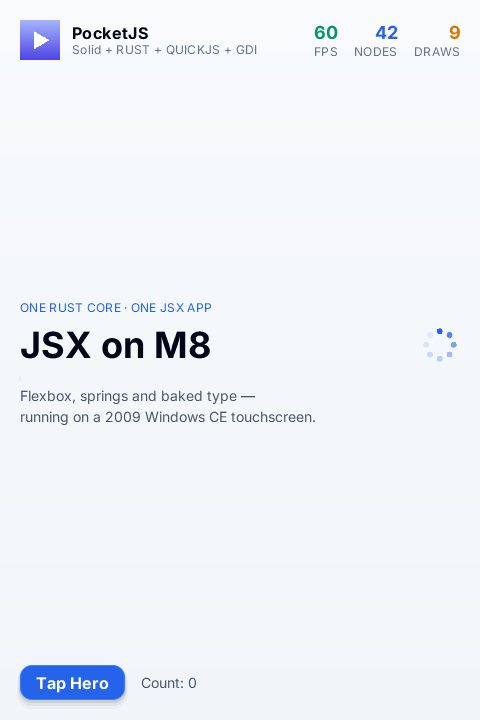
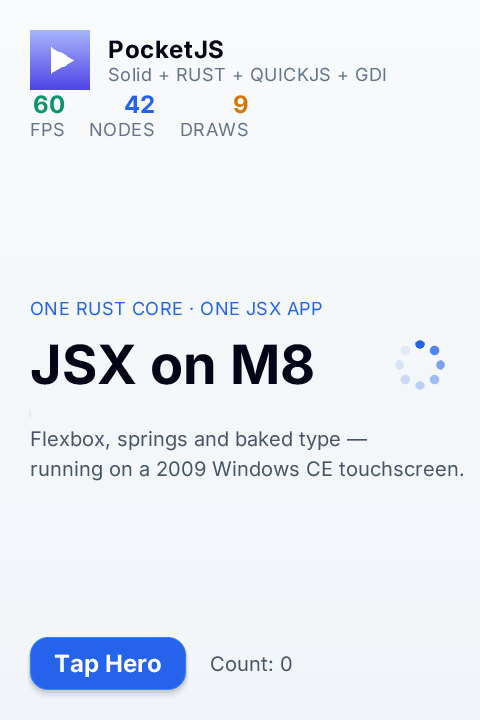
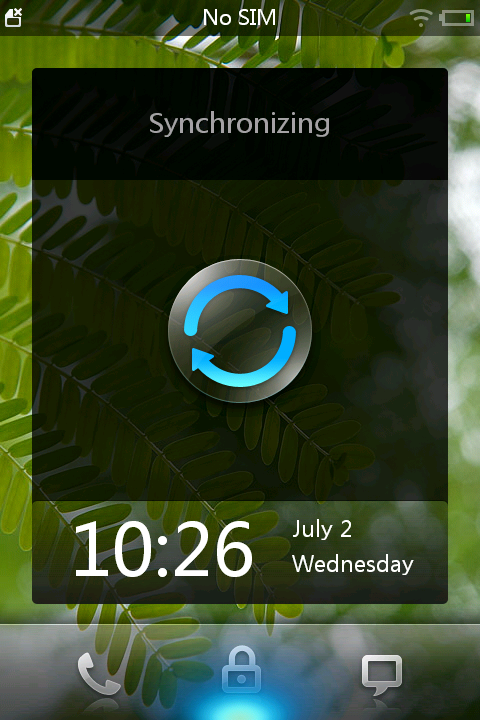
PocketJS runs on the original Meizu M8 as a Windows CE 6 ARM application. The host embeds QuickJS and the Rust software renderer in one PocketJS.exe, then copies its native 480×720 BGRA framebuffer to the 480×720 LCD with GDI without stretching. Host ABI 8 uses its wide touch-word format for the full native coordinate range.
The PocketJS window is not system-topmost. Pressing Home or Escape closes it so the Windows CE shell can regain the display.
The port targets the USB identity 0547:2720, exposed by the phone as MEIZU M8SE USB Serial. USB deployment uses the phone's WceUsbSh ActiveSync serial function, PPP, and RAPI; it does not flash firmware or modify a partition.
Build
Install Docker, Bun, Rustup, libusb, GLib, D-Bus, gettext, Autoconf, Automake, and libtool. The native build uses the digest-pinned CeGCC container and a clean pinned QuickJS checkout; the Meizu SDK archive is not a build input.
bun install --frozen-lockfile
bun meizu-m8 doctor
bun meizu-m8 build
bun meizu-m8 setup-rapi
The native compiler image, Rust nightly, QuickJS revision, SynCE revision, SDK checksum, USB endpoints, and device addresses are pinned. dist/meizu-m8/build-receipt.json records the inputs and the resulting executable digest.
USB connection and deployment
Enable USB synchronization on the phone and connect it directly with a data-capable mini-USB cable. Run bun meizu-m8 usb-probe only as a descriptor and handshake check; it consumes the current CLIENT handshake, so reconnect the cable before starting a full session.
The host-side USB bridge exposes a pseudo-terminal. Start it with bun meizu-m8 usb-bridge and keep that terminal open. Its first line is PTY=/dev/ttysNNN. In a second terminal, run bun meizu-m8 session /dev/ttysNNN with that exact path and approve the macOS administrator prompt. Then turn USB synchronization off and on without unplugging the cable.
The session command makes macOS pppd answer the phone's CLIENT message with CLIENTSERVER and negotiate 192.168.131.1:192.168.131.129. It starts an isolated D-Bus instance, runs SynCE dccm, and registers the legacy ActiveSync device. Keep both terminals open while deploying.
bun meizu-m8 deploy
bun meizu-m8 status
bun meizu-m8 accept
bun meizu-m8 capture
deploy creates \Program Files\PocketJS, runs a helper that attempts to terminate only earlier PocketJS.exe and PocketJS-*.exe processes, and copies a build-ID-qualified executable. It derives the M8's 80×80 shell icon from the shipped iPhone 2G PocketJS icon, copies it under a build-ID-qualified path, and writes the HKLM\SOFTWARE\Meizu\MiniOneShell\Main\PocketJS values required by the M8 SDK. The current build therefore appears as PocketJS in the phone's main shell without reusing a stale cached icon. Status and framebuffer receipts use build-ID-qualified paths, so an earlier process cannot overwrite the current build's evidence. status requires advancing guest frames, successful GDI composites, and the resolved 480×720 logical and physical viewports. capture retrieves the current build's device-generated framebuffer BMP from \Temp and rejects a frame that is not 480×720.
Tap the blue Hero control before running accept. Acceptance requires action_name=hero_tap, a positive action value and sequence, and a completed touch sequence in the live device status.